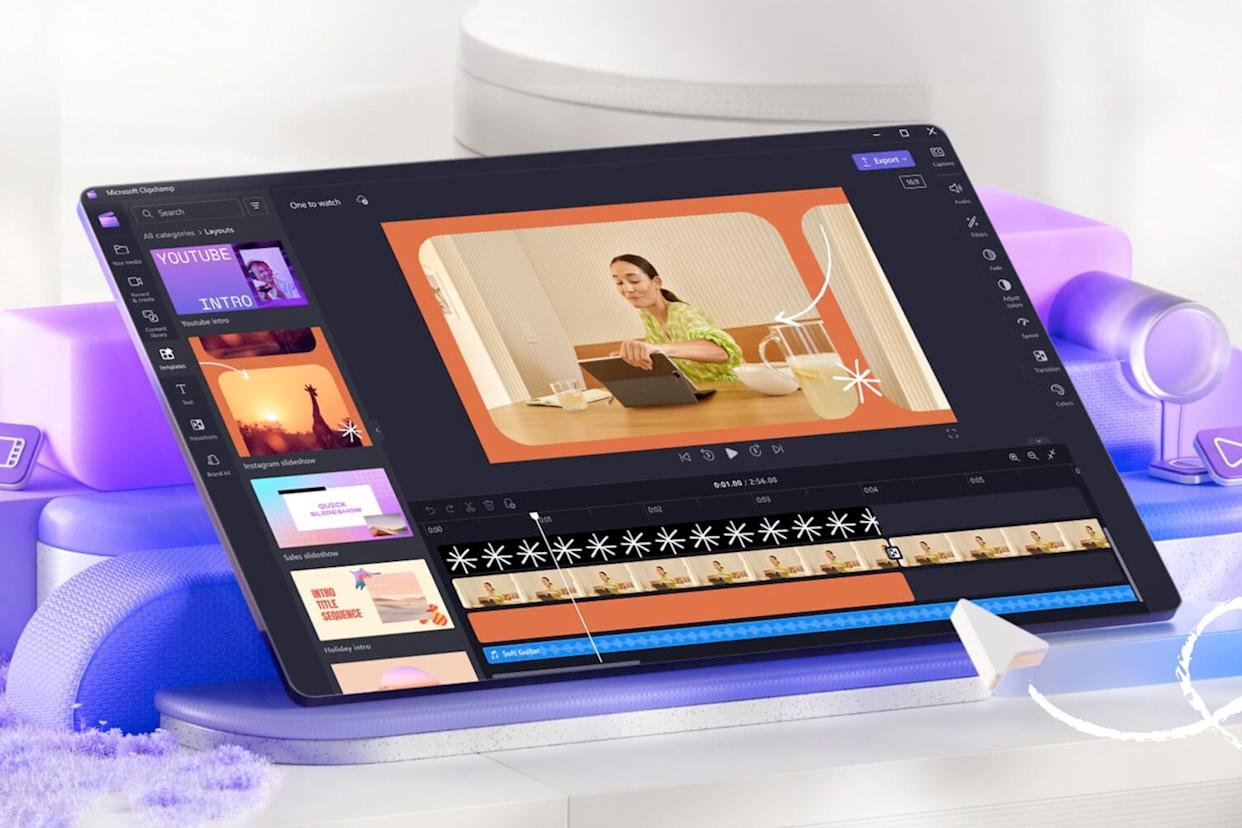
Introduction
Creating professional and engaging videos for YouTube has become more competitive than ever. Every day, thousands of creators upload their work, hoping to grab the attention of millions of viewers. To stand out, one needs not only creativity but also efficiency. That’s where smart video editing tools come in. These tools help YouTubers cut editing time, improve video quality, and make content more attractive without requiring deep technical knowledge.
The Evolution of Smart Editing Technology
Over the past few years, video editing software has evolved drastically. What once required hours of manual cutting and adjustment can now be done in minutes. Modern tools use intelligent algorithms that recognize scenes, voices, and even emotional tones to deliver automatic suggestions and polished results. This evolution has changed the way creators produce videos, making the process faster and far more creative.
Why YouTubers Need Smart Editing Tools
For full-time YouTubers or even hobby creators, editing can be a long and tiring task. Smart editing programs make life easier in several ways:
-
Quick Scene Detection: These tools identify key moments, remove silent parts, and create smooth transitions automatically.
-
Enhanced Visuals: Automatic lighting and color balance make the footage look cinematic.
-
Audio Perfection: Built-in noise reduction and background music selection make videos more professional.
-
Automatic Subtitles: Creators can generate captions quickly, which improves accessibility and engagement.
-
Style Consistency: Videos maintain a similar tone, making the channel look cohesive and professional.
Best Smart Editing Tools for YouTubers
1. Pictory
Pictory helps in turning long clips or written scripts into short, catchy videos. It’s especially useful for creators who want to produce short-form content like YouTube Shorts or Instagram Reels. The program automatically selects scenes, adds text, and fits suitable background music.
2. Descript
Descript allows creators to edit videos as if they were editing a document. You can remove mistakes, cut filler words, and even generate captions directly from spoken words. It’s one of the simplest options for podcasters and vloggers who focus on talk-based content.
3. Runway
Runway offers powerful features such as background removal, motion tracking, and text-based commands for visual effects. It’s a great pick for creators who want to produce studio-level content without needing expensive software.
4. Wisecut
Wisecut is ideal for vloggers and educators. It automatically trims pauses, adjusts audio levels, and syncs music with speech. The tool’s simplicity helps beginners produce polished videos effortlessly.
5. Kapwing
Kapwing is a complete online editor that simplifies collaboration between teams. It provides templates, smart trimming, and auto-subtitle options. Many YouTubers prefer it for its user-friendly interface and flexibility.
Advantages of Using Smart Editing Tools
These modern tools are reshaping how creators work. Some of the top benefits include:
-
Time Saving: Repetitive tasks like trimming, syncing, and adding subtitles are handled automatically.
-
Accessibility: Even people with no editing background can produce high-quality videos.
-
Cost Efficiency: Many programs offer free or low-cost plans suitable for beginners.
-
Creativity Boost: Built-in effects and templates help creators experiment with new styles.
-
Optimization: Videos are automatically adjusted for social platforms like YouTube or Instagram.
Challenges YouTubers Might Face
Despite their usefulness, smart editing tools have certain limits:
-
Less Control: Automated edits may not always match your personal editing style.
-
Internet Reliance: Many online editors need a steady connection to work properly.
-
Feature Restrictions: Free versions often have watermarks or limited export options.
Still, the convenience and quality improvements make these tools valuable for YouTubers at every level.
How to Choose the Right Smart Editing Tool
Choosing the right software depends on your niche and workflow. Here are a few tips:
-
Match Your Content Type: Vloggers, educators, and gamers have different editing needs.
-
Focus on Usability: Pick a program with an easy interface and strong tutorial support.
-
Check Device Compatibility: Some tools work better on desktop, while others perform well on mobile.
-
Look for Extra Features: Options like background removal, templates, and cloud storage can save hours of work.
-
Test Before Buying: Always try free trials before committing to premium plans.
The Future of Smart Video Editing
The future promises even more advanced editing capabilities. Imagine software that understands mood, detects emotions, and arranges visuals automatically to match music or narration. Soon, creators might simply upload raw footage and within minutes, receive a ready-to-upload video with perfect cuts, transitions, and effects. The combination of automation and creativity is revolutionizing video production forever.
FAQs
1. Are these smart editing tools suitable for beginners?
Yes. Most of them come with guided tutorials and templates, making editing simple for new creators.
2. Do they work on mobile devices?
Yes. Tools like Kapwing and Wisecut offer mobile versions that work well for creators who prefer editing on the go.
3. Can these programs handle long videos?
Definitely, many modern editors process large files efficiently, though performance depends on your device and internet speed.
4. Which tool is best for vlogging?
Wisecut and Descript are excellent choices for vloggers who want quick editing with clean audio and automatic subtitles.
5. Are there any free options available?
Yes, several tools provide free plans with essential features. You can later upgrade for additional functions.
Conclusion
Smart video editing tools are changing the way YouTubers create and share content. They save hours of editing, improve quality, and remove the stress of manual work. Whether you’re a beginner or an experienced creator, these intelligent tools can help you deliver professional videos faster than ever before. The future of video production lies in simplicity, creativity, and technology working together, empowering every creator to tell stories more beautifully and efficiently.